
1
Choose the screenshot
Select a payment confirmation, checkout summary, or order screen from your gallery.
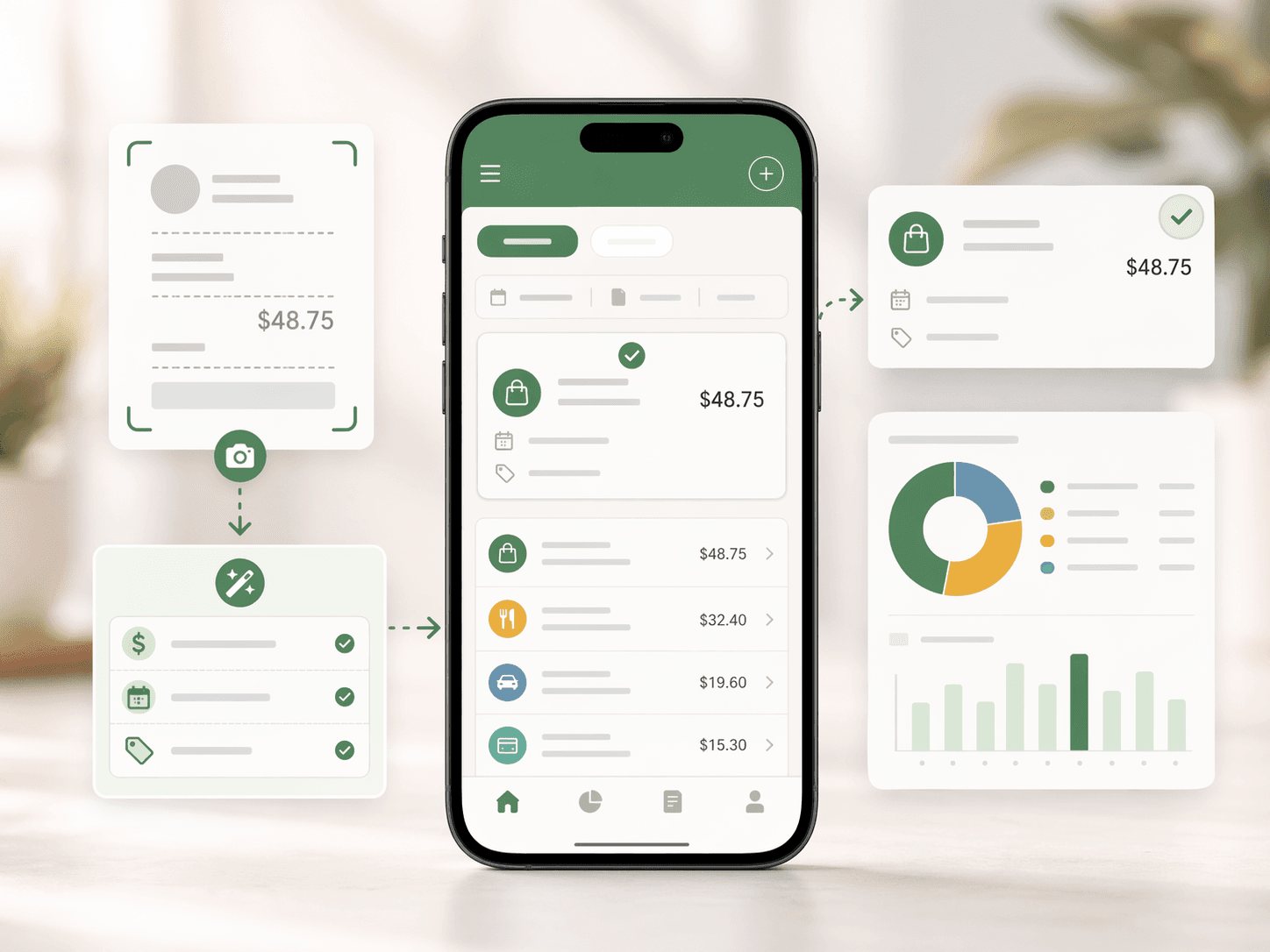
Import a payment or order screenshot, let Spendium read the details, then save the expense into the right category.
A lot of modern spending already lives in screenshots: wallet confirmations, online checkouts, order summaries, and payment success screens. Spendium makes those screenshots useful for tracking.
Each page explains the specific value behind the keyword intent.
If your purchases happen in apps and websites, screenshot capture is often the fastest path to accurate tracking.
Instead of hunting for numbers across payment apps, you upload once and move on.
Order details and payment context stay attached to the saved spending record.